#1 HEIC to JPG Converter
Convert HEIC to JPG instantly — free, no sign-up, unlimited.
Key Features of HEIC to JPG Converter
Easy to use
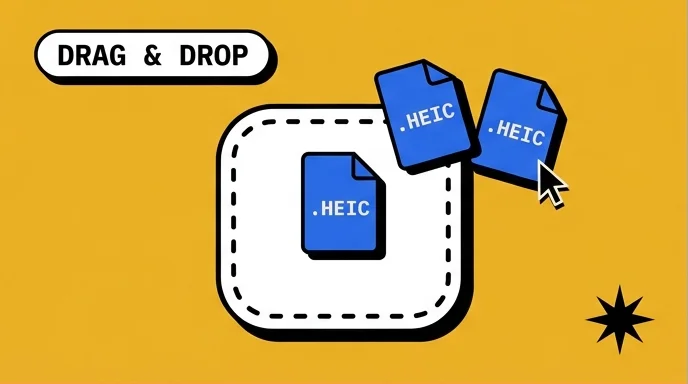
Add HEIC photos from your iPhone, Mac, or camera folder. The HEIC to JPG converter starts automatically, with no settings to learn and no account to create.
- Drag and drop supported
- Conversion starts automatically
- No sign-up required
Private & Secure
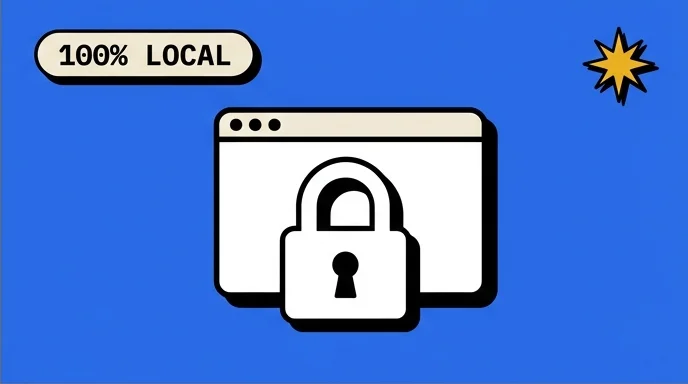
Your HEIC files stay on your device. Conversion runs locally in your browser. No uploads to our servers.
- Browser-local conversion
- No server uploads
- Good for personal photos
Batch convert HEIC
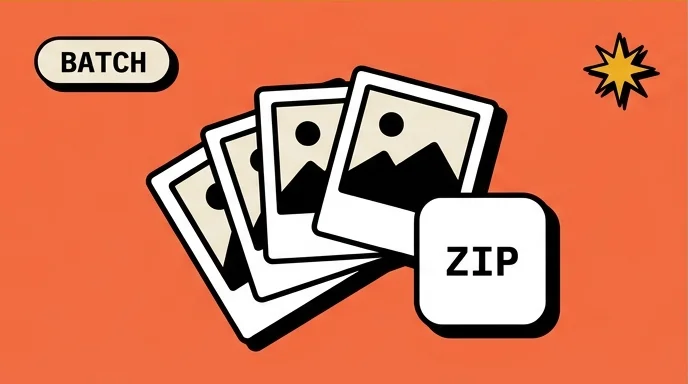
Convert one HEIC file or a full batch. Add more photos anytime, then download each JPG or save everything together as a ZIP.
- Convert multiple HEIC files
- Add more anytime
- Download all as one ZIP
Fast HEIC Conversion
Convert HEIC photos quickly in your browser. Since files are not uploaded first, the process starts right away.
- Fast in-browser processing
- No upload wait
- Starts right away
What is HEIC to JPG Converter?
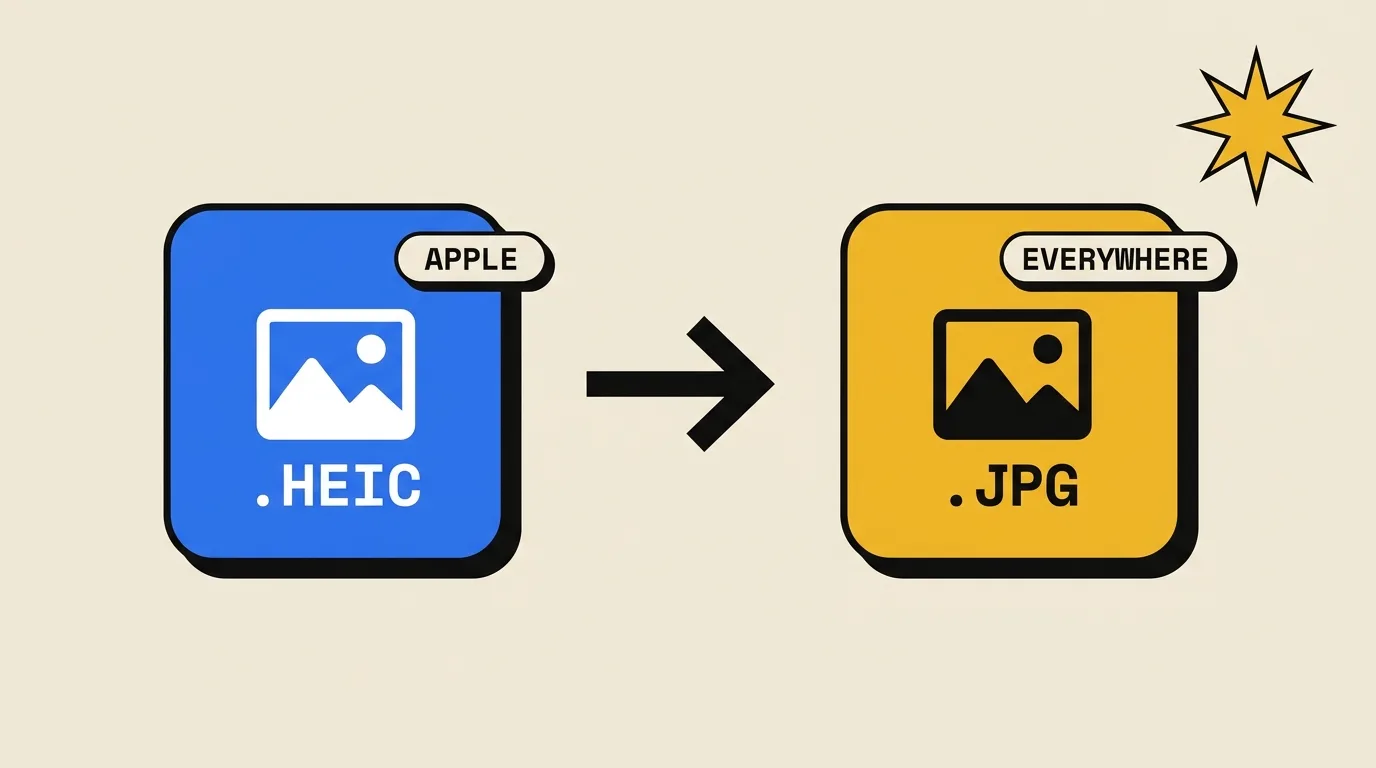
This is a free HEIC to JPG converter that turns iPhone HEIC photos into standard JPG images. It solves the cross-device compatibility problem, so your iPhone photos open on Windows, Android, the web, and apps that don't support HEIC.
Apple's default iPhone photo format since iOS 11. Smaller file size, but not widely supported outside Apple devices.
- · Used by Apple devices
- · Smaller photo files
- · Not accepted everywhere
The universal image format. Opens anywhere — Windows, Android, browsers, email, and every app that handles photos.
- · Opens almost everywhere
- · Easy to share and upload
- · Works across all devices
How to Use HEIC to JPG Converter
Convert HEIC to JPG in three quick steps: select your photos, let your browser process them locally, then download ready-to-use JPG files.
Click the file box or drag your HEIC photos onto the page. You can choose one image or add a batch of HEIC / HEIF files at once.
The HEIC to JPG converter runs locally in your browser to turn each HEIC into a JPG. There is nothing to install, and your photos stay on your device.
Download each JPG when it is ready, or save all converted images together as a ZIP file.
HEIC to JPG vs others
Frequently Asked Questions
Common questions about converting HEIC to JPG online.
What is HEIC to JPG Converter?
HEIC to JPG Converter is a free online tool that turns HEIC and HEIF photo files into JPG images. It runs in your browser, so you can add iPhone photos and download JPG files without installing software.
How do I convert HEIC to JPG?
Choose your HEIC files or drag them onto the page. The HEIC to JPG conversion starts automatically in your browser. When the JPG files are ready, download them one by one or together as a ZIP.
Do I need to install software?
No. You can convert HEIC to JPG directly in your web browser. There is no app, extension, plugin, or account required.
Is this HEIC to JPG converter free?
Yes. The HEIC to JPG converter is free to use, with no sign-up, no watermark, and no conversion limit from us.
Can I convert multiple HEIC files at once?
Yes. You can batch convert HEIC to JPG in one session. Add several HEIC or HEIF files, then download the converted JPG images individually or as one ZIP file.
What is a HEIC file?
HEIC is Apple's common version of HEIF, short for High Efficiency Image File Format. HEIF was standardized by MPEG, and Apple adopted HEIC for iPhone photos starting with iOS 11. A HEIC file can store high-quality images efficiently while using less storage than older photo formats.
What is a JPG file?
JPG is the common file extension for JPEG, a photo format named after the Joint Photographic Experts Group. JPEG became a standard in the early 1990s and uses lossy compression to keep photo files smaller. Because it has been supported for decades, JPG is still one of the safest formats for websites, email, social apps, printing, and everyday photo sharing.
Are my HEIC files uploaded to a server?
No. Your HEIC files are processed locally on your device using your browser. They are not uploaded to our servers, and closing the tab clears the current conversion session.
Will my JPG be rotated the wrong way?
No. The converter reads the orientation information from your HEIC file and applies it before saving the JPG, so the output should stay right-side up.
Convert HEIC to JPG for Free
Add your HEIC photos and get JPG files in seconds. No upload, no watermark, no sign-up.